Once risk records have been loaded you may go to the Pictures module and add any pictures you wish to add to the risk.
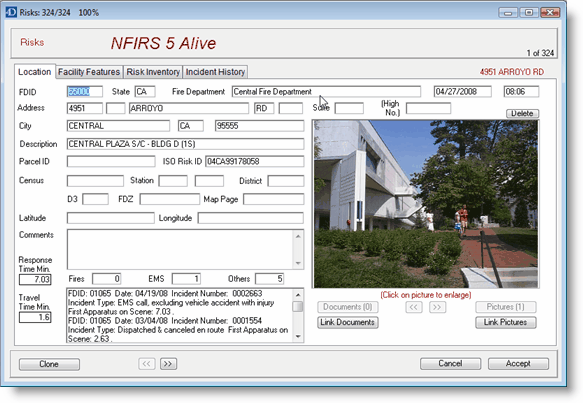
Simply load your pictures in the Pictures module then link them to the risk.
The Risk Analysis module also let's you define risk types and enter information in user defined fields. Here's how it's done. From the Operations Window press the Preferences button. Select the Risks tab.

Here you may add up to five user defined fields and identify up to 15 risk categories.