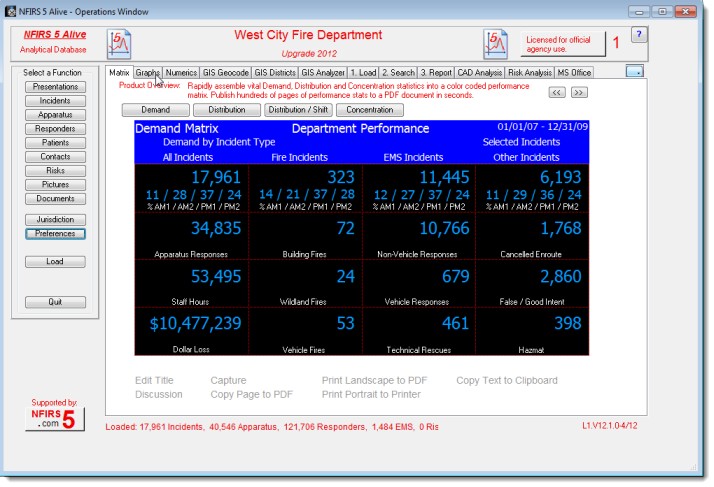
All NFIRS 5 Alive software applications are shipped in the Reader / Demo mode. The initial setup follows Windows installation standards. Here's the procedure:
1. Copy the "NFIRS5AliveV12.exe" installation file onto your computer's hard drive.
2. Double-click on the installation file to start the installation process.
3. Follow the instructions on the screen.
4. The installation process will create an "NFIRS 5 Alive" icon on your desktop.
5. Double-click on the NFIRS 5 Alive icon to start the application.
Security Notice:
If you installed the demo on the C: drive in the Program Files folder and the program fails to start you may have a security conflict. To test right-click on the start icon and select "Run as Administrator". If the program runs OK you have your system security set to require administrator access to run applications in the Program Files folder. Just move the application folder into My Documents and reset the desktop shortcut to the N5AliveV12.exe file in the installation folder.
Note:
All files necessary to operate NFIRS 5 Alive are located in the NFIRS 5 Alive installation folder. If you wish to copy NFIRS 5 Alive to another PC all you need to do is to copy the installation folder onto a flash drive or USB hard disk drive. Then take the external drive to another PC and copy the installation folder to the other PC.